
It is possible to add a customer to selection that is already in the selection overview.
Open a selection from the 'your relationships‘ / ‘selections‘
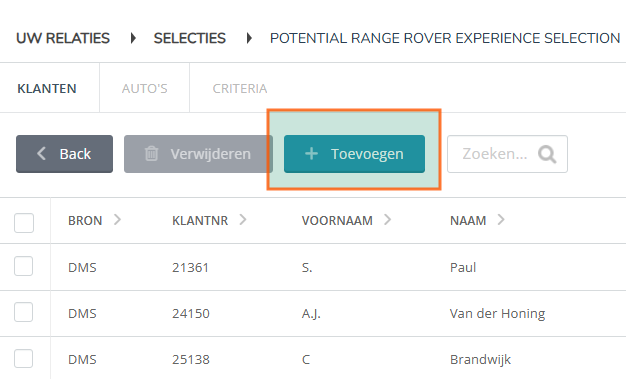
Add customer from name:
Click on the '+ add' in the menu in the customer tab
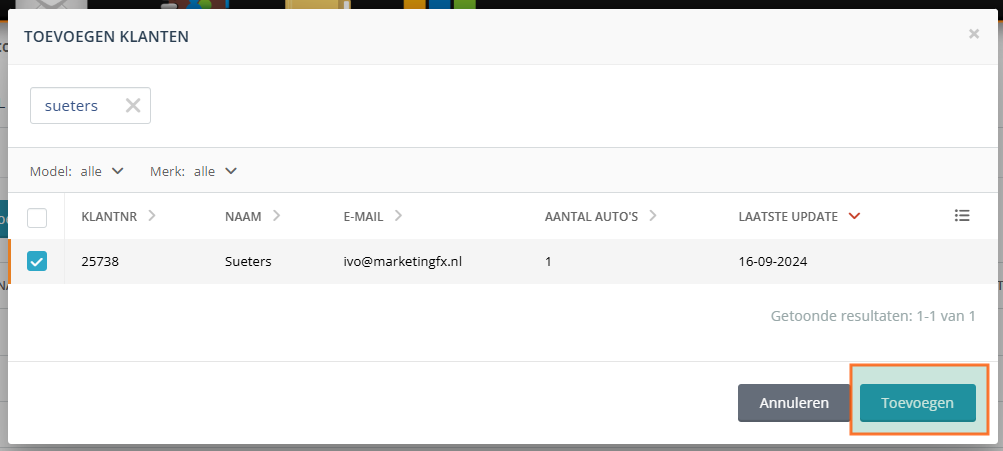
Search by customer name in the search field, select the customer via the checkbox and click on the button 'add‘.
Add car from cars:
Click on the 'cars' to add a customer based on car registration number.