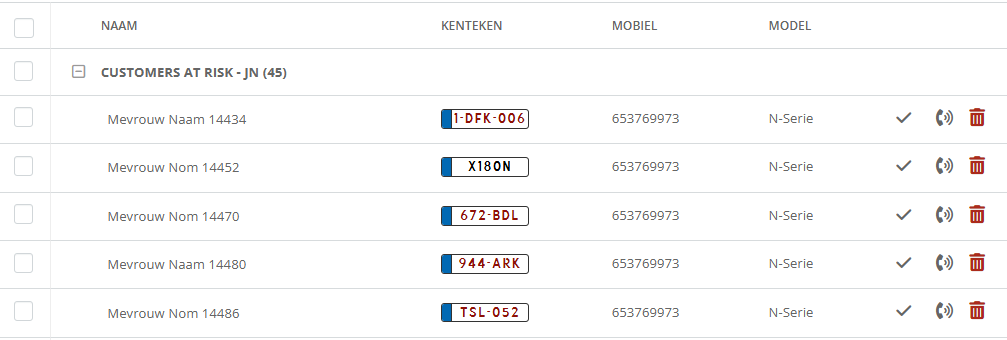
Not only can you use a customer selection for an eDM or DM, it is also possible to create a call list.
Do you want to offer your salespeople a list of customers who have been driving the same car for five years or a selection of customers who last visited the workshop between two and three years ago? And would you like to call this list keeping a record of call times? You can.
- go into the menu 'your relationships' to 'selections‘
- click on the button with the text 'make new selection‘
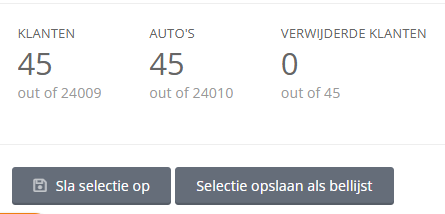
- make your selection and select 'save selection as call list‘
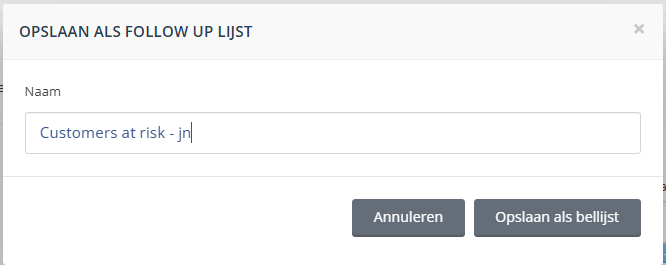
- name the selection and select again 'save as call list‘
- The call list has been created and can be called and finalised