
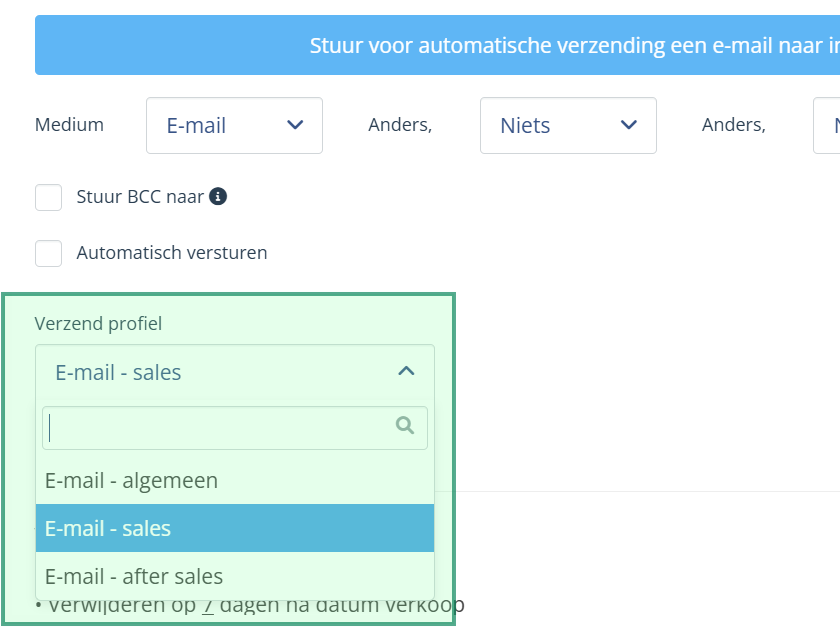
In the contact moments, you can set which profile you want a message to be sent from. From your general e-mail address, your sales e-mail or after sales e-mail.
Instructions:
- From the main menu, select 'contact' the option 'contact moments‘
- Select a contact moment created in your customer journey
- Click on the button 'customise' to open the stup of the contact moment
- In the menu 'shipping profile' you can select from which profile the message should be sent: General, Sales or After Sales
Overview of set e-mail addresses
- click on 'my profile' at the top left of the screen
- click on the button 'send e-mail profiles‘
- the set sender e-mail addresses are displayed
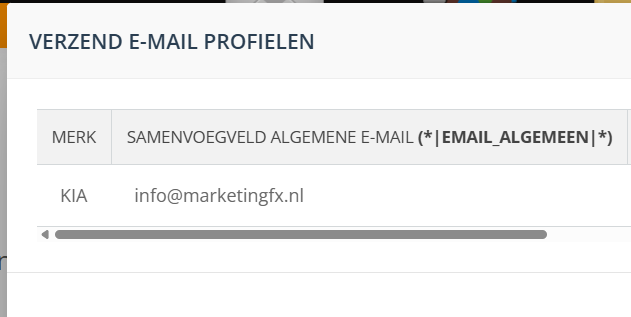
Customise e-mail profiles
It is possible to have an adjustment performed by MarketingFX on your e-mail profiles. It is not possible to perform this yourself. Adjustments will be made for you free of charge.